
Protecting Fort Worth’s Remote Workspaces: Security Measures for Home Offices
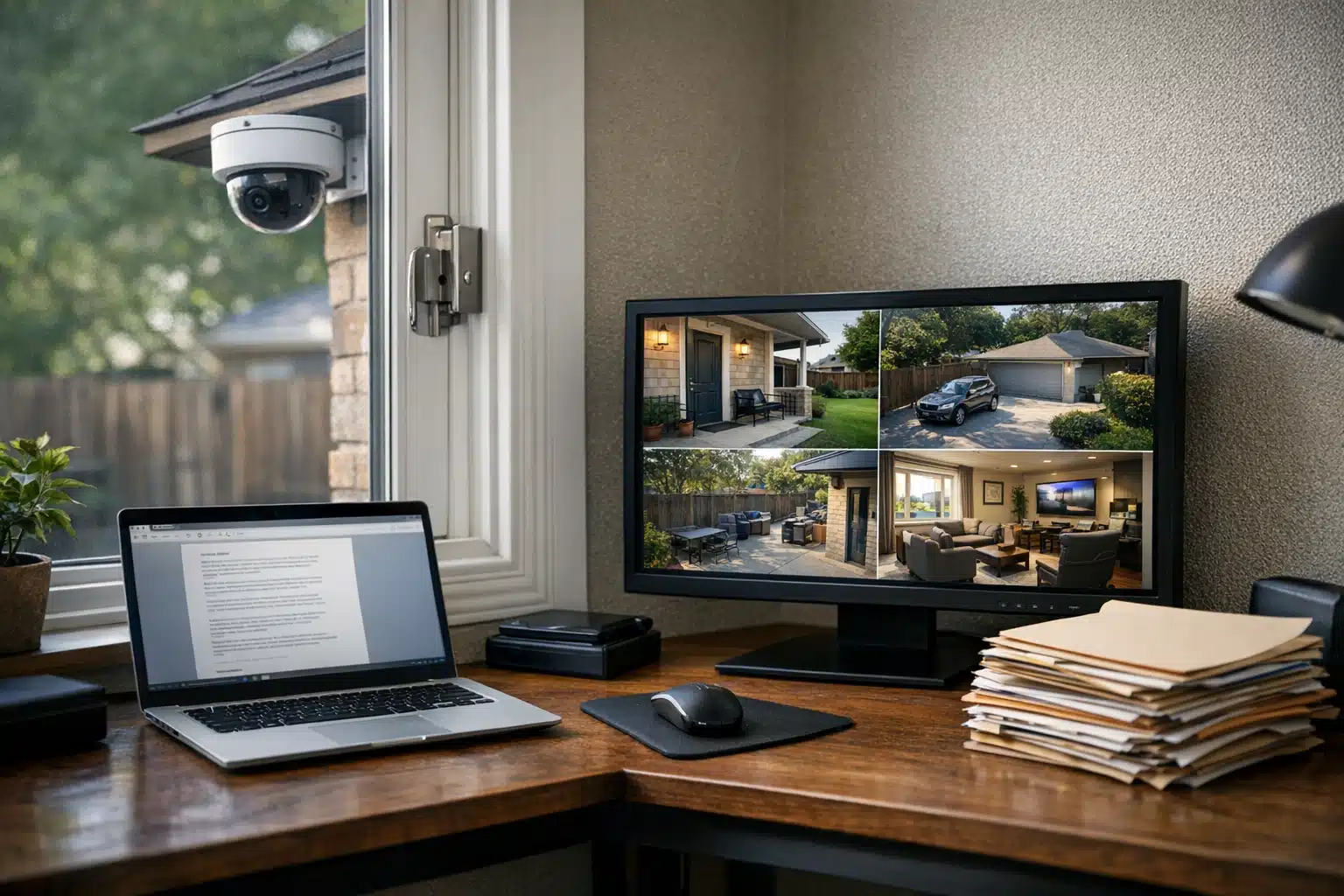
To protect home offices in Fort Worth, individuals should implement security measures such as installing strong locks on doors and windows, using security cameras, and securing valuable equipment like laptops and monitors. Additionally, maintaining a secure network with strong passwords and firewalls can help safeguard sensitive client information.
Why Remote Work Security Matters for Fort Worth Home Offices
Fort Worth added thousands of remote workers after 2020, and home office break-ins followed. Company laptops, external monitors, and client files now sit inside residential neighborhoods across the city.
Remote work security protects both your household and your employer’s data. A single stolen laptop can expose payroll records, client contracts, or oilfield project plans.
This post breaks down practical steps for Fort Worth residents working from home. You get local crime patterns, camera placement advice, and monitoring options built for North Texas conditions.
Fort Worth Neighborhoods and Their Home Office Risks
Property crime patterns shift by neighborhood in Fort Worth. Daytime residential burglaries rise when streets sit empty during work hours.
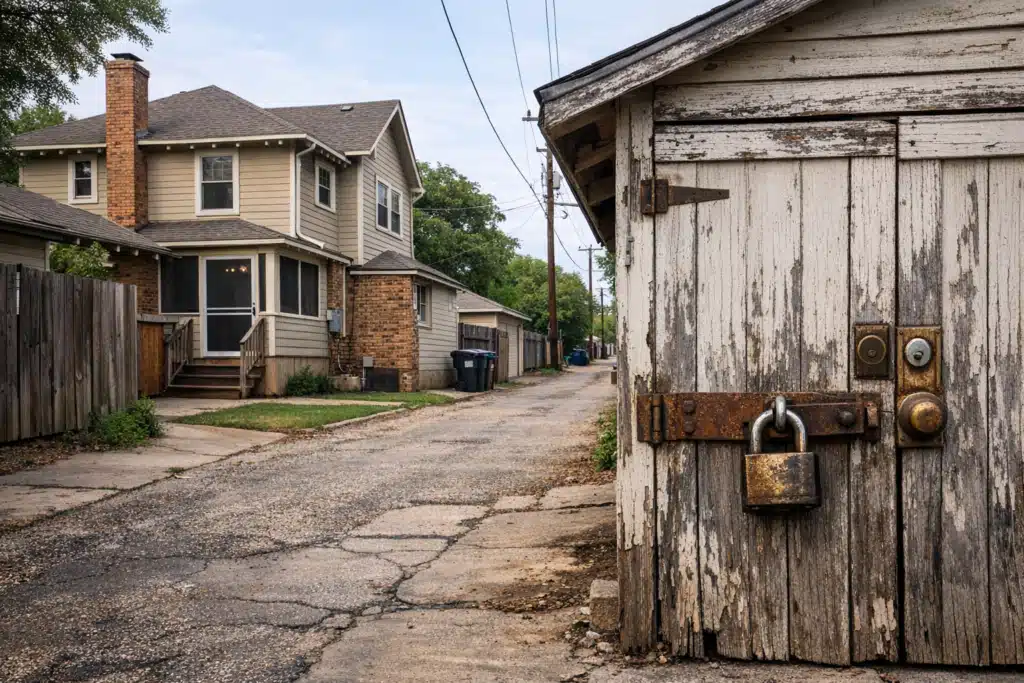
Remote workers face a specific problem. Expensive equipment stays home while nobody watches nearby houses during the day.
Near Southside and West 7th
Apartment-heavy zones near West 7th see package theft and vehicle break-ins. Remote workers here store gear in units with shared entry points.
Shared mailrooms and open parking create easy access for opportunists. A garage-parked car holding a work bag becomes a target.
Arlington Heights and Historic Neighborhoods
Older homes in Arlington Heights have detached garages and original locks. Rear alleys give cover to anyone testing back doors during quiet hours.
Many of these houses lack modern deadbolts. That gap matters when a home office holds thousands in equipment.
Stockyards-Adjacent Rentals
Residents near the Stockyards deal with event crowds and heavy foot traffic. Weekend visitors and parking overflow raise the odds of stranger activity near homes.
Physical Security Steps for Your Fort Worth Home Office
Physical protection reduces break-in risk before technology comes into play. Start with entry points, then move to visibility.
Follow these steps to harden a Fort Worth home office:
- Upgrade every exterior lock. Install Grade 1 deadbolts on doors leading to your work area.
- Reinforce door frames. Add longer strike plate screws to resist kick-ins.
- Lock ground-floor windows. Add pin locks to double-hung windows near your desk.
- Secure the detached garage. Many Arlington Heights burglaries start there.
- Anchor high-value equipment. Use laptop locks or a bolted cabinet for company hardware.
Keep work equipment out of window sightlines. A visible monitor setup advertises what waits inside.
Camera and Monitoring Setups Built for North Texas Weather
Cameras cut break-in attempts and record evidence when incidents happen. North Texas heat and storms demand hardware rated for the conditions.
Fort Worth summers push attic and exterior temperatures past 100 degrees. Standard indoor cameras fail in garage offices without cooling.
What to Look For in Home Office Cameras
- Weather-rated housing. Pick IP66 or higher for outdoor units facing Texas storms.
- Wide temperature tolerance. Confirm operation above 120 degrees for garage placement.
- Battery backup. North Texas power flickers during summer grid strain and spring storms.
- Local and cloud storage. Keep footage even if internet drops during severe weather.
Camera Placement That Works
Point one camera at your main entry and one at the driveway. Cover the rear door if your home backs onto an alley.
Angle lenses away from direct afternoon sun. Glare from the western Texas sky washes out footage during peak burglary hours.
Data and Network Protection for Remote Work Security
Remote work security includes the digital side, not just locks and cameras. Company data travels across home networks that attackers can reach.
A weak home router puts client files at risk. Fort Worth remote staff handling oil and gas contracts or medical records face compliance stakes.
Practical Network Steps
- Change default router passwords. Factory logins invite easy access.
- Separate work and personal devices. Run a dedicated network for company hardware.
- Turn on encryption. Use WPA3 where your equipment supports it.
- Update firmware. Patch routers and cameras when makers release fixes.
Physical theft and data theft connect. A stolen unencrypted laptop hands over everything on the drive.

 Posted on Google
When Remote Video Monitoring Beats DIY Cameras
Self-installed cameras record events but rarely stop them. Remote video monitoring adds live human eyes that respond in real time.
Twin City Security Fort Worth operators watch feeds and act during suspicious activity. A trained agent can trigger audio warnings or alert police before a break-in finishes.
Situations Where Monitoring Pays Off
- High-value equipment. Home offices holding company servers or specialized gear.
- Frequent travel. Remote workers who leave homes empty for days.
- Repeat neighborhood incidents. Areas hit by daytime burglary clusters.
- Compliance requirements. Employers demanding documented physical safeguards.
Monitored footage carries weight with insurers and law enforcement. Recorded intrusions plus live response beat passive recording.
Building a Home Office Security Plan Step by Step
A written plan keeps protection consistent as your setup grows. Match measures to your equipment value and neighborhood risk.
- Inventory your equipment. List every company device and its replacement cost.
- Rank your entry points. Identify the weakest doors and windows first.
- Add physical barriers. Install locks, lighting, and anchors.
- Deploy cameras. Cover entries with weather-rated units.
- Secure the network. Lock down routers and separate work traffic.
- Decide on monitoring. Choose DIY or live remote surveillance based on risk.
Review the plan twice a year. Update it after adding equipment or moving to a new Fort Worth neighborhood.
Protect Your Fort Worth Home Office Today
Fort Worth home offices hold real value that daytime burglars target. Strong locks, weather-rated cameras, network protection, and live monitoring cut your risk sharply.
Twin City Security Fort Worth builds home office protection plans matched to your neighborhood and equipment. Call or text 817‑922‑9774, email fortworth@twincitysecurity.com, or visit https://www.twincitysecurityfortworth.com for a Fort Worth security assessment.
Sources
- FBI – Uniform Crime Reporting Program
- CISA – Home Network Security Guidance
- Ready.gov – Severe Weather Preparedness
- NIST – Cybersecurity Resources
Fort Worth has seen a rise in remote work and corresponding home office break-ins, making security measures essential for protecting both personal and company data. This guide offers practical steps for enhancing home office security tailored to local crime patterns and environmental conditions.
- Fort Worth neighborhoods experience varying property crime risks, especially during work hours when homes are empty. Remote workers should be aware of specific vulnerabilities in their areas.
- Physical security measures include upgrading locks, securing windows, and anchoring valuable equipment to deter break-ins.
- Digital security is equally important; changing router passwords, using encryption, and separating work and personal devices can protect sensitive data from cyber threats.